
New Pause Point Feature in Android 17 Combats Doomscrolling
New Feature in Android 17: Pause Point to Help Users Reduce Phone Distractions
Ahead of the upcoming Google I/O 2026 event on May 19, Google hosted a more focused preview with The Android Show this week. During this event, several features for the upcoming Android 17 update were announced, including some that aim to make the user experience more proactive and personalized. One feature that stood out was Pause Point, which allows users to set 10-second timers before opening certain apps.
The idea behind Pause Point is simple yet effective. When you attempt to open an app that has been marked as distracting, a 10-second timer will appear. This brief pause gives users a moment to reflect on whether they really need to spend time on that particular app. For example, it could help someone reconsider if they need to check social media feeds or try to beat a high score in a game. Instead, they might choose to do something more productive.
For many users, phone usage can become a mindless habit. Even when setting up Do Not Disturb mode during working hours, distractions can still occur. A quick check of a messaging app or social media platform can quickly turn into a longer session, leading to lost productivity. The constant stream of notifications and updates from various apps makes it difficult to stay focused.
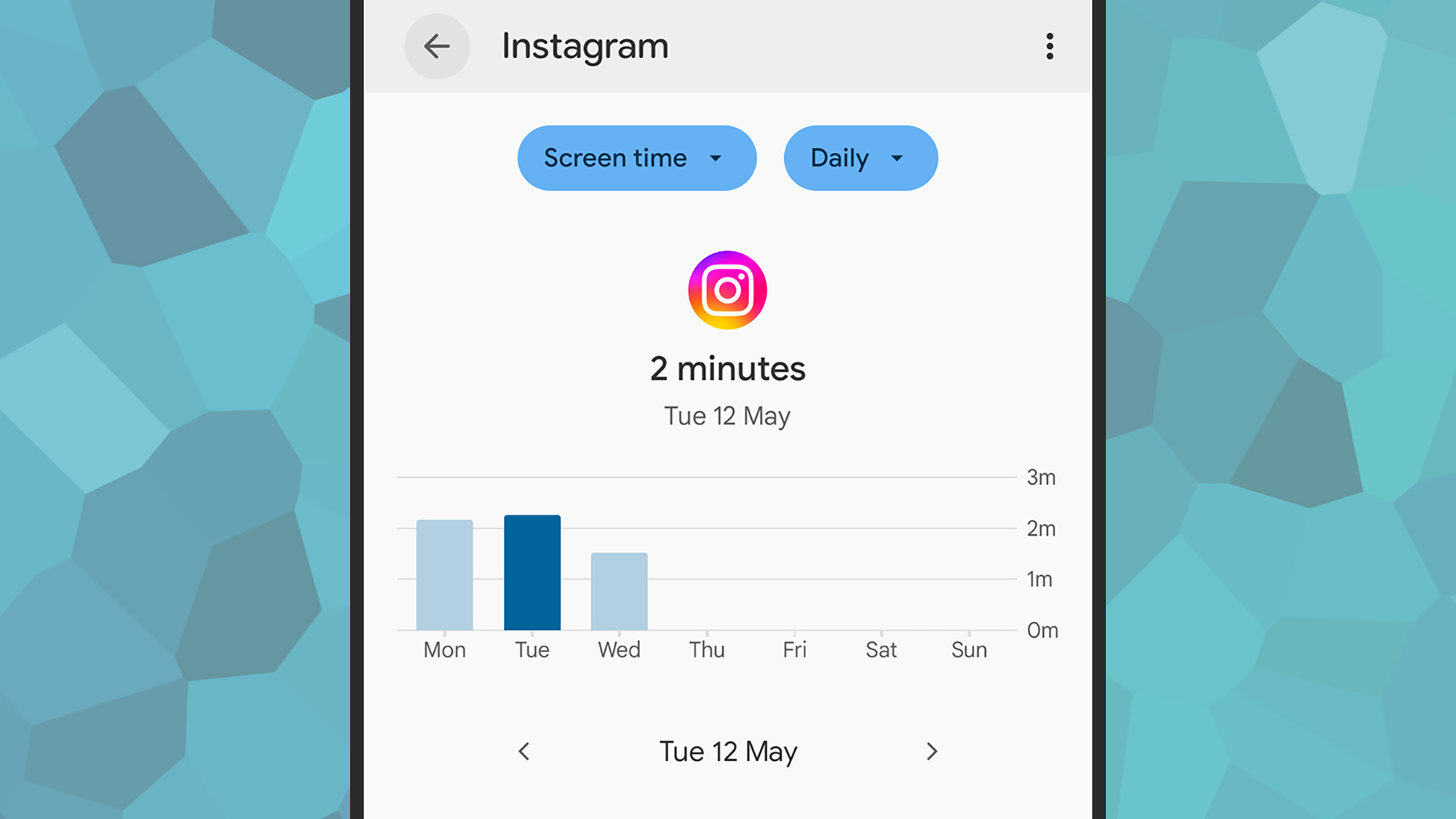
There’s a lot going on in all these apps, but not all of it is important. Despite this, users often find themselves drawn into these platforms without realizing how much time has passed. Checking screen time on Android (found under Digital Wellbeing in Settings) can be a wake-up call for many. It’s clear that there's a need for tools that help users manage their phone usage more effectively.
Pause Point is designed to address this issue by introducing a deliberate pause before accessing certain apps. While Android already has app timers, they are often easy to dismiss. Pause Point aims to provide a more effective solution by encouraging users to take a moment and think about their actions.

During the demo at The Android Show, Android Product Manager Alanna Veiga explained how Pause Point works. She mentioned that sometimes users open their phones just to check the weather, only to end up spending 45 minutes scrolling through social media. Pause Point sits between the existing app timers and more extreme measures like uninstalling apps or putting the phone in another room.
Users can mark specific apps as distracting, and whenever they try to open one of these apps, a prompt will appear. This prompt encourages them to take a breath and consider whether they truly need to use the app. Additionally, users can swipe through photos on the pause screen, which might remind them of other things they could be doing instead of using their phone.
Pause Point also offers alternative app suggestions on the pause screen. For instance, users might choose to open an e-book, meditate, or track a walk instead of engaging in distracting activities. Furthermore, users can set up Pause Point so that a reset is needed before they can disable it, ensuring that the feature remains active unless intentionally turned off.
While Android 17 is not yet available, the concept of Pause Point seems promising. As someone who has struggled with phone distractions, I’m looking forward to trying this feature once it becomes available. More details about the release date of Android 17 are expected to be shared at Google I/O 2026.

Post a Comment for "New Pause Point Feature in Android 17 Combats Doomscrolling"
Post a Comment